Graphical User Interface
When deploying the QALITA Worker you can add the --ui argument or QALITA_WORKER_UI environment variable to start the local web UI for the CLI.
You can do with the UI most of the commands available normally with the CLI such as:
- Adding / Editing / Deleting a source
- Pushing a pack
- Running the agent in worker mode
QALITA Studio is now fully integrated into QALITA Platform. Access Studio directly from the Platform web interface for AI-powered data quality investigation - no separate installation required.
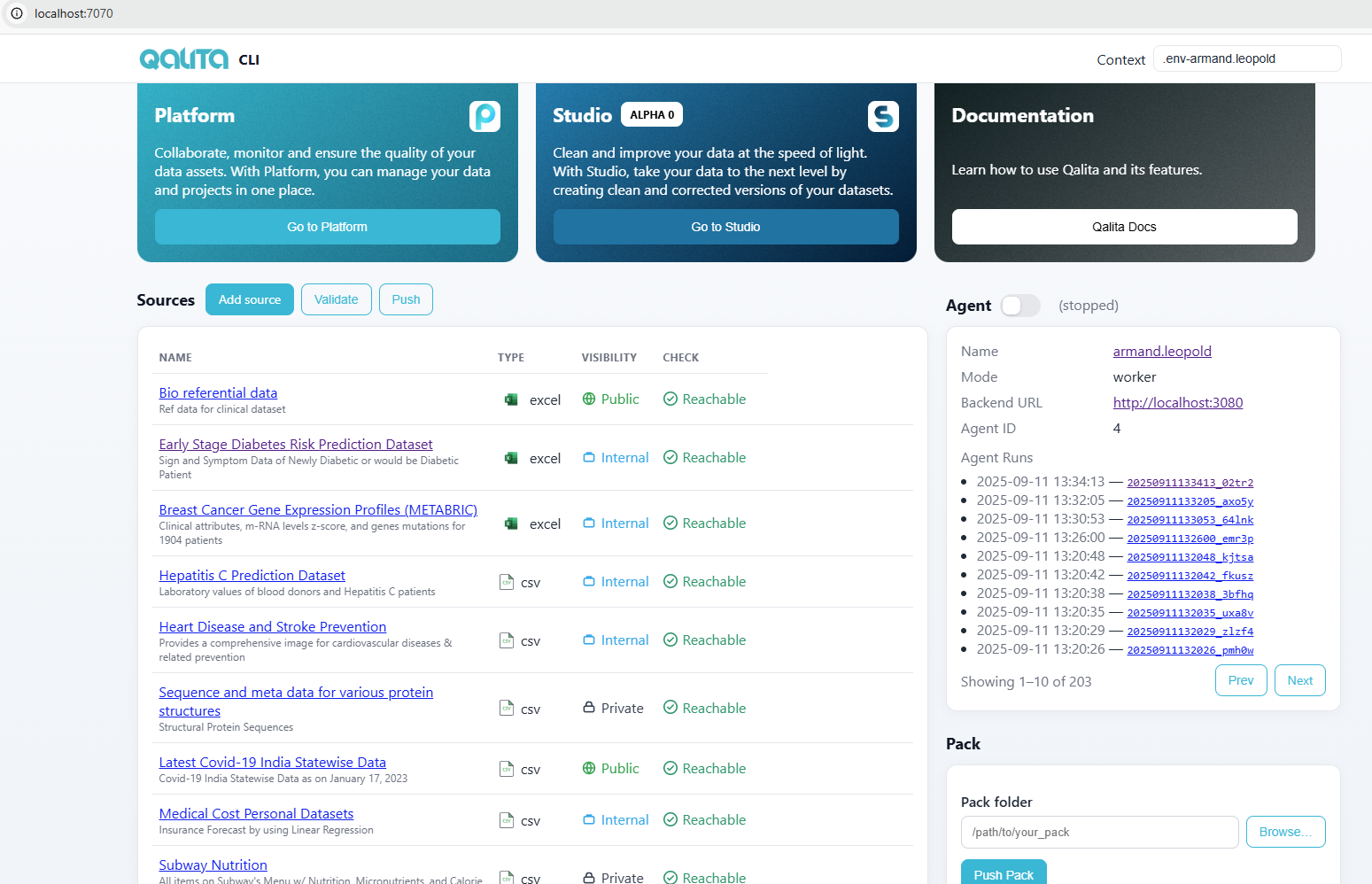
Navbar buttons
| Feature | Description | Access |
|---|---|---|
| Platform | Access your Platform instance directly from the UI |  |
| Studio | Access Studio for advanced data analysis (available in Platform) |  |
| Documentation | Access this documentation for help and guidance |  |
Add / Edit / Delete a source
Worker Context
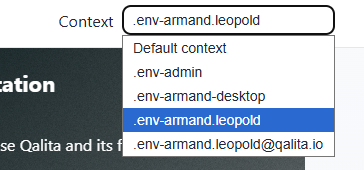
A context is related to a local .env file corresponding to a specific user credentials. You can manage multiple accounts on your local desktop and switch context as you want.
To make a context work, you first need to qalita worker login with it.
Worker Switch
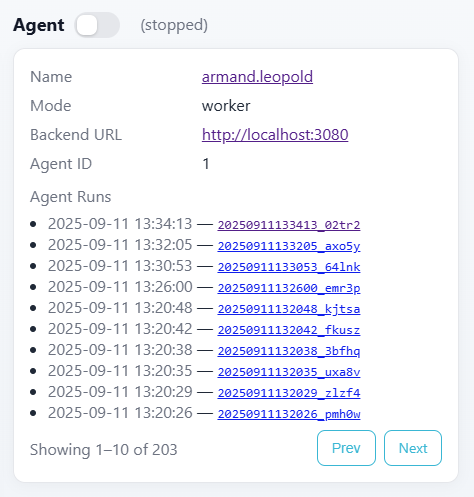
You can directly Enable your worker in worker mode by enabling the switch.
You must qalita worker login in order to make it work.
Publish a pack
You can publish a pack to your platform instance.
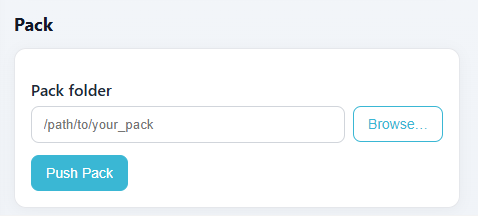
You must qalita worker login in order to make it work.